let’s talk


Over the past year, our design team has begun integrating AI-powered tools into our creative workflow, and the results have been incredibly inspiring. Rather than replacing the creative spark, these tools have acted as a powerful "co-pilot," helping us automate repetitive technical tasks.
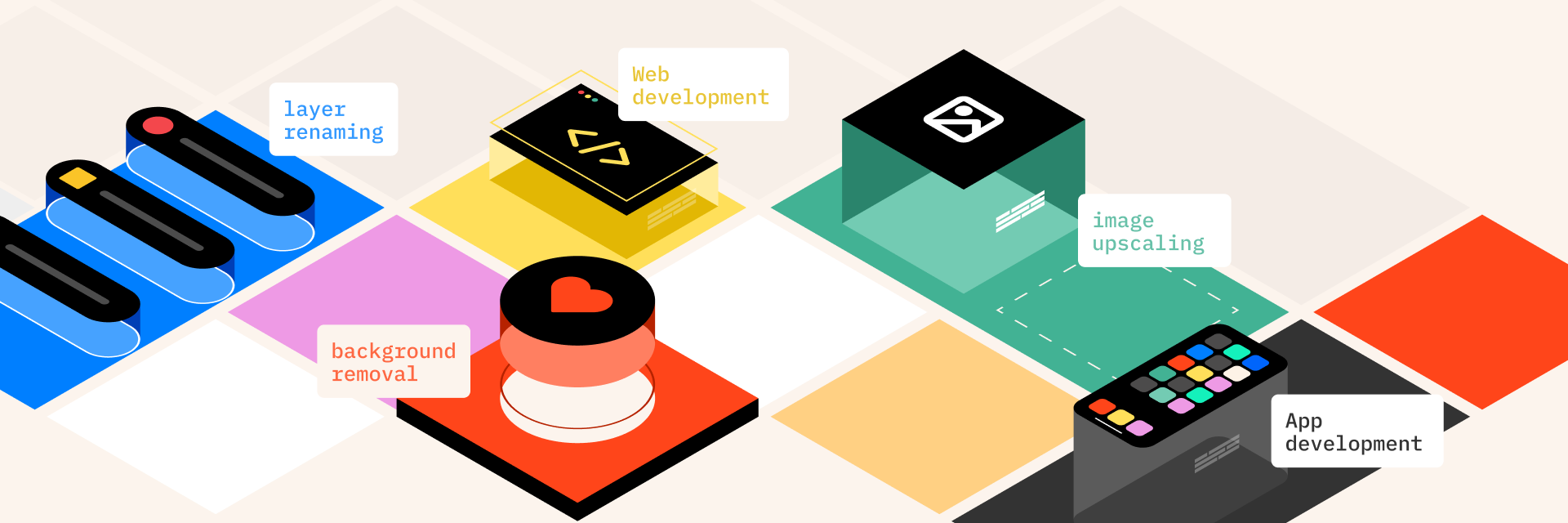
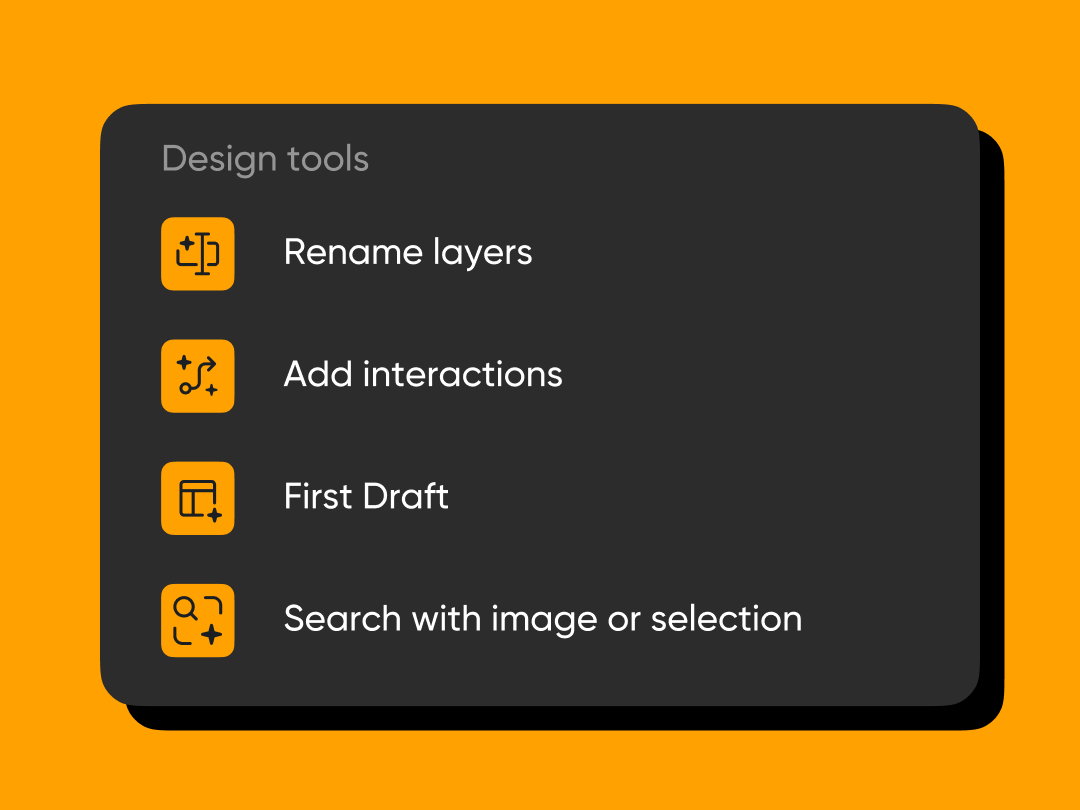
We are now using AI within Figma to handle everything from instant layer renaming and file organization to background removal and image upscaling. By reducing the time spent on this "digital housekeeping," our designers are finding more space to focus on what truly matters: high-level strategy, storytelling, and crafting meaningful user experiences.
One of the most exciting shifts we’ve seen is in the rapid exploration of ideas using features like Figma’s "First Draft." This allows us to generate initial UI layouts and wireframes in seconds, providing a springboard for our own unique creative direction.
To stay efficient, our design team relies on Figma’s all-in-one ecosystem. By reducing the need to switch between different apps, we maintain focus and deliver faster.
We no longer jump into Photoshop for simple edits. Figma allows us to:

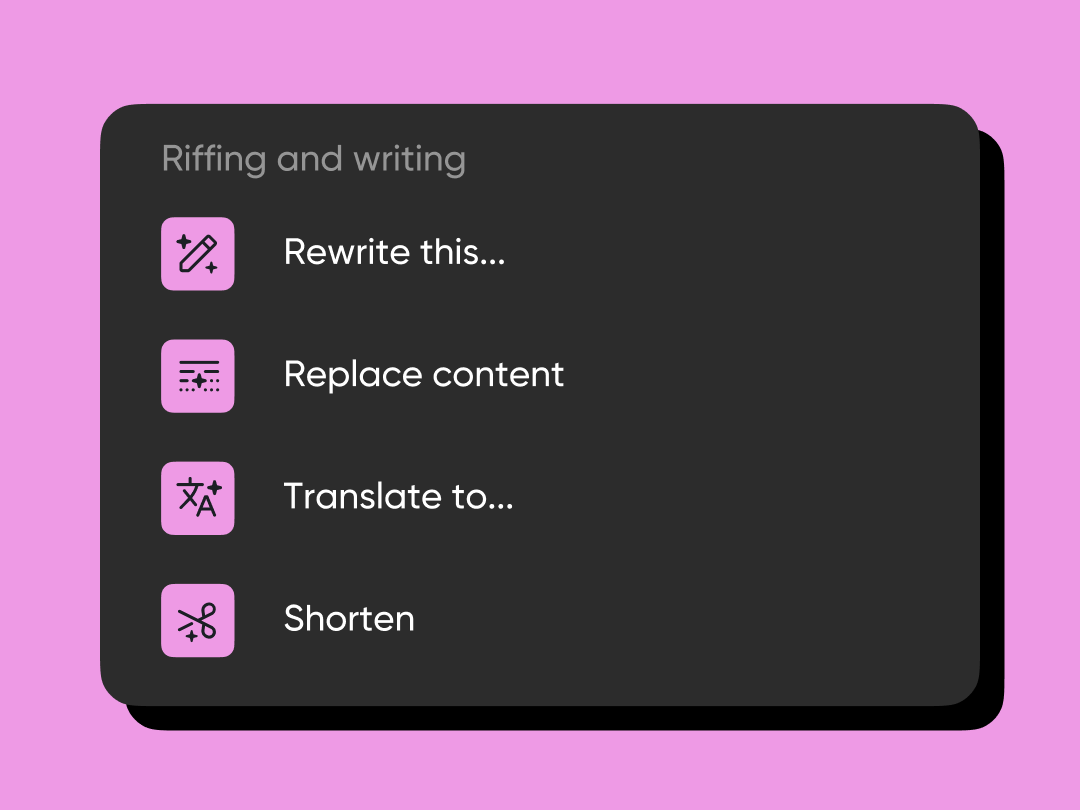
Designers should focus on design, not grammar. Figma helps by:
Speed isn't just about creation; it’s about maintenance. We save hours by:
This doesn't mean the machine is making the decisions; instead, it provides a broader canvas for our designers to refine, critique, and perfect, turning our brainstorming sessions into more dynamic, data-informed conversations.
As we move forward, our commitment to human-centered design remains at the heart of everything we do. We view these new features - from AI-assisted accessibility checks to automated style consistency - as an extension of our toolkit, much like the transition from hand-drawing to digital software decades ago.
We are dedicated to using these technologies responsibly to enhance the quality and precision of the work we deliver to you. We’re excited to share these innovations with you through our upcoming projects and continue evolving in this ever-changing digital landscape.